CuteNick sets no cookies of its own: none for analytics, none for advertising, none for tracking you between sites. The two small things the site does keep live in your own browser and never leave your device. This page lists both, explains the security cookies your connection may still pick up.
Last checked against the live site on 26 August 2026. This page is rewritten whenever the site’s storage behaviour changes — the date is not refreshed for cosmetic edits.
The short version
Nothing on CuteNick follows you. There is no analytics script, no advertising network, no social pixel, no A/B testing tool and no account system — so there is nothing that would need a cookie in the first place. Two features remember something for your convenience, and both use browser storage that stays on your device. If you clear your browser data, they are gone and the site works exactly as before.
What CuteNick keeps in your browser
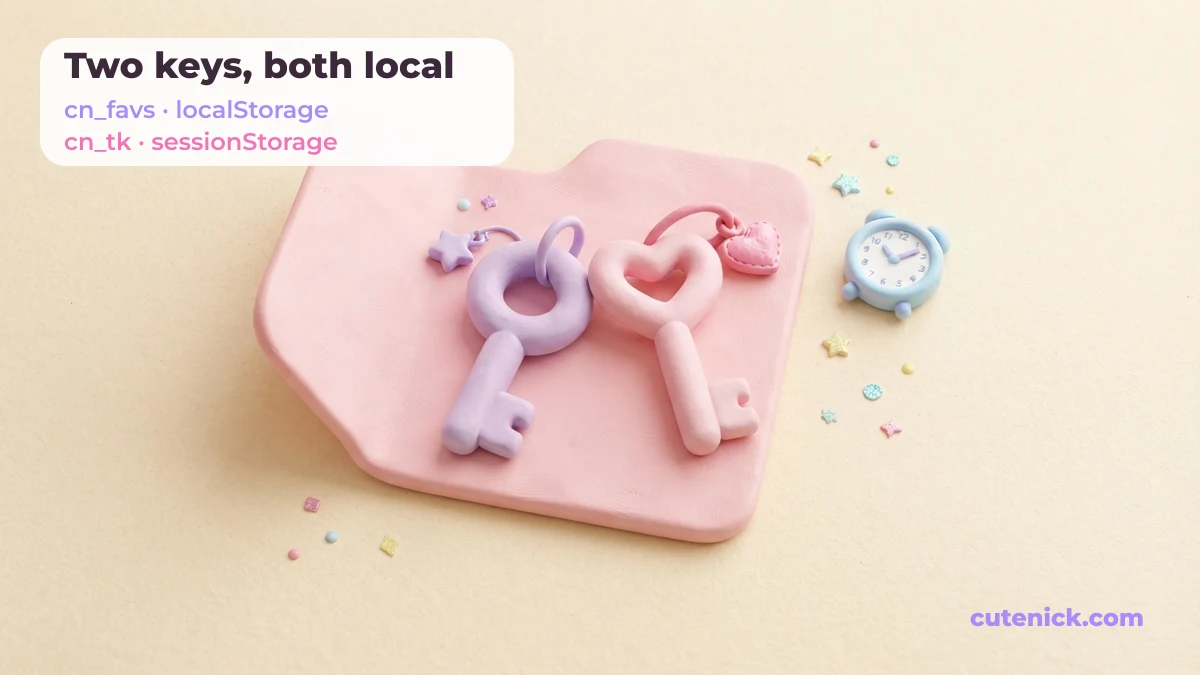
These are the only two keys the site writes. Both are readable by you at any time in your browser’s developer tools, and neither is sent to our server:
| Name | Where it lives | What it holds | How long it lasts |
|---|---|---|---|
cn_favs |
localStorage | The nicknames you hearted, so favourites survive a refresh. Capped at 200. | Until you clear site data |
cn_tk |
sessionStorage | A short-lived token so the generator form cannot be abused by bots. | Until you close the tab |
That is the complete list. A name you type into the generator is not in it — as the privacy policy sets out, the styling happens in your browser and the name is not stored anywhere.
Why that is storage and not cookies
The difference matters more than the names suggest. A cookie is attached to every request your browser makes to the site, so the server sees it. localStorage and sessionStorage are never sent anywhere — the page reads them on your device and that is the end of it.
That is the whole reason CuteNick uses them. Favourites need to survive a refresh; nobody needs a server to know about them. The practical result: even if we wanted to build a profile of you from your favourites, the data never reaches us to begin with.
Security cookies from the network
CuteNick is served through Cloudflare, which sits between your browser and the site to absorb attacks and filter bot traffic. In doing that, Cloudflare may set its own cookies on your browser — most commonly __cf_bm (a bot-management cookie that expires after about half an hour) and, if you were ever shown a challenge page, cf_clearance.
Two honest notes about them. First, they are strictly functional: they exist to tell a browser apart from a bot, not to build an advertising profile. Second, they are set by the network layer, not by anything in the site’s code — a page load measured on 26 August 2026 returned no Set-Cookie header at all, but a visitor arriving during an attack or through a challenge may still receive one. We would rather say that plainly than claim a clean sweep we do not control.
Why there is no cookie banner
Consent banners exist because of cookies that are not strictly necessary — analytics, ad targeting, cross-site tracking. CuteNick runs none of those, and the EU’s ePrivacy rules exempt storage that is strictly necessary to deliver a service the visitor asked for. Your own favourites list, saved on your own device, is that kind of storage.
So instead of a pop-up asking you to agree to something you cannot inspect, this page lists the two keys by name. If a banner ever does appear on CuteNick, it will mean the site started doing something it is not doing today — and this page will say so before the banner does.
How to see and delete everything
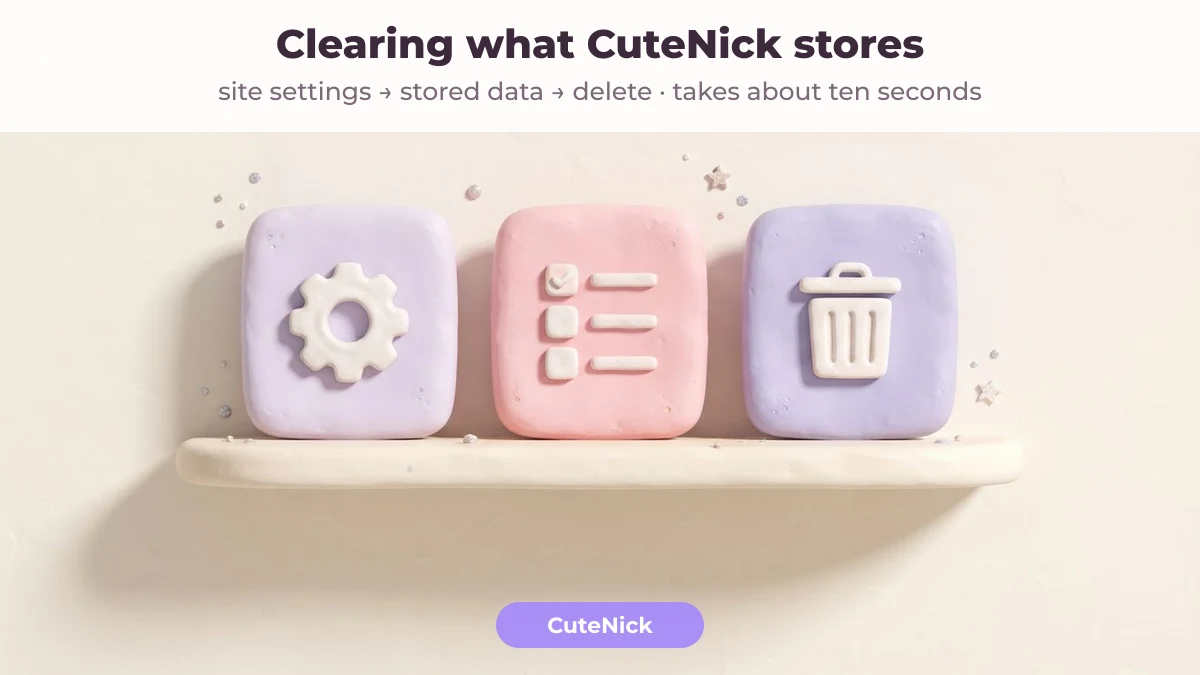
You do not need our permission or a form. Deleting site data for cutenick.com removes both keys immediately, and the generator keeps working — you simply start with an empty favourites list.
- Chrome, Edge and other Chromium browsers (desktop): click the icon to the left of the address bar → Cookies and site data → Manage on-device site data → delete the cutenick.com entry.
- Safari on iPhone or iPad: Settings → Safari → Advanced → Website Data → search for cutenick.com → swipe to delete. Private Browsing tabs discard everything on their own when you close them.
- Firefox: the padlock in the address bar → Clear cookies and site data.
- Android Chrome: tap the padlock → Cookies and site data → Delete.
- Want to look before you delete? Press F12 on desktop, open the Application tab (Chromium) or Storage tab (Firefox), and read
cn_favsfor yourself. It is plain text — a list of the nicknames you hearted, nothing else.
Blocking storage for the site entirely is fine too. Favourites stop persisting between visits; everything else, including the generator and every list on the site, works normally.
What would change this page
Three things would force a rewrite, and each would be described here before it went live: adding analytics of any kind, accepting user-submitted nicknames (which needs moderation and therefore some kind of session), or running advertising. None of them is in place today. If any ever is, this page gets a new date at the top and a new row in the table above — that is the commitment, and it is the same one made on the About page about how pages are checked.
Ask about anything here
If something on this page does not match what your browser shows you, that is worth an email — send what you found and it gets checked against the live site. The address is on the contact page, and corrections are opened before anything else in the queue.
The full picture of what happens to data on this site is in the privacy policy, and what you are allowed to do with the names you generate is in the terms of use. To skip all of it and just name someone, CuteNick — the free cute nickname generator asks nothing of you but a name you feel like typing.